

➔ Finalize the space plan before selecting furniture.
➔ Invest in ergonomic seating and durable workstations.
➔ Plan power and cable management early.
➔ Include proper storage and acoustic solutions.
➔ Choose flexible, commercial-grade systems for long-term use.
A new office build-out comes with a lot of moving parts, and furniture is one of the easiest places to overspend or overlook key details. The right choices make daily work smoother, keep teams comfortable, and ensure the space feels organized and professional from day one. The wrong ones lead to clutter, poor workflow, and costly replacements.
To keep planning focused and practical, here are the essential elements every business should include in an office furniture checklist.
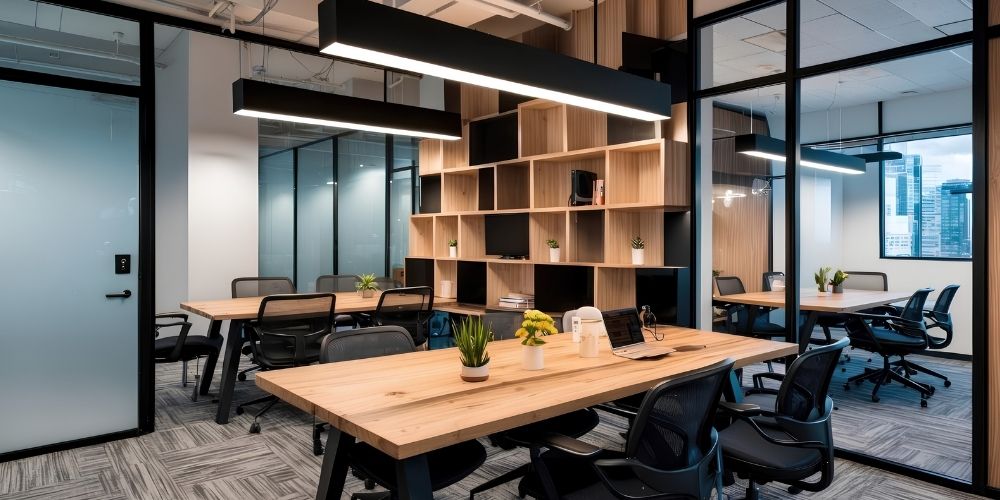
Lock in your headcount, how teams collaborate, and where quiet work needs to happen before selecting a single desk. A solid space plan prevents expensive reorders and ensures every workstation, meeting room, and walkway fits properly. This is also the stage to confirm power/data locations so furniture and technology align from day one.
If one category deserves the biggest investment, it’s task chairs. Ergonomic seating reduces discomfort, supports posture, and helps employees stay productive throughout the day. Poor ergonomics can overstress the body over time, leading to chronic discomfort or even long-term injury. Choose chairs with real adjustability (lumbar support, arm height, seat depth, tilt) and commercial-grade durability since low-quality chairs wear out quickly and cost more to replace.
Match workstations to how your teams actually work. Benching supports collaboration and saves space, while panel-based systems add privacy and reduce distractions. Many businesses land on a hybrid approach, open areas for teamwork, plus more defined stations for focused roles, so the office works for multiple job types.
Messy cords make offices look unprofessional and create daily friction. Choose desks and conference tables with built-in grommets, wire trays, and routing paths, and plan for convenient access to outlets. Good cable management also protects equipment and simplifies IT setup, moves, and maintenance.
Conference rooms should be designed around real usage, not guesswork. Select tables based on actual seating needs and keep enough clearance for movement and accessibility. Integrated power (and ideally USB/USB-C charging) is critical so meetings run smoothly without people stretching cords across the room.
Reception sets the first impression, but it still needs to function efficiently. A well-designed reception desk should support staff workflow with storage, workspace depth, and wire management, and it should include an ADA-compliant section. Pair it with comfortable, durable waiting-area seating that reflects your brand without sacrificing practicality.
Storage is where many build-outs fall short, leading to clutter, lost supplies, and inefficient workdays. Plan a mix of personal storage (pedestals or drawers), departmental storage (cabinets or credenzas), and secure options (lockers) if your office is hybrid. The goal is simple: everything has a place, and it’s easy to keep the office organized.
Open offices often need intentional quiet zones. Add privacy panels, acoustic dividers, small focus rooms, or phone booths/pods so employees can take calls and concentrate without disrupting others. Even a single dedicated focus solution can dramatically improve day-to-day productivity and reduce noise complaints.
Office furniture takes daily wear, so choose products built for commercial environments. Look for strong warranties, durable finishes, and performance-rated materials designed for high traffic. Residential-style furniture may look good at first, but it often fails faster and becomes a costly replacement cycle.
Your office shouldn’t be designed only for today; it should support where your business is heading. Choose modular systems, reconfigurable workstations, and scalable storage solutions that allow you to add employees or shift layouts without starting over. Flexible furniture protects your investment and reduces future renovation costs as your team evolves.
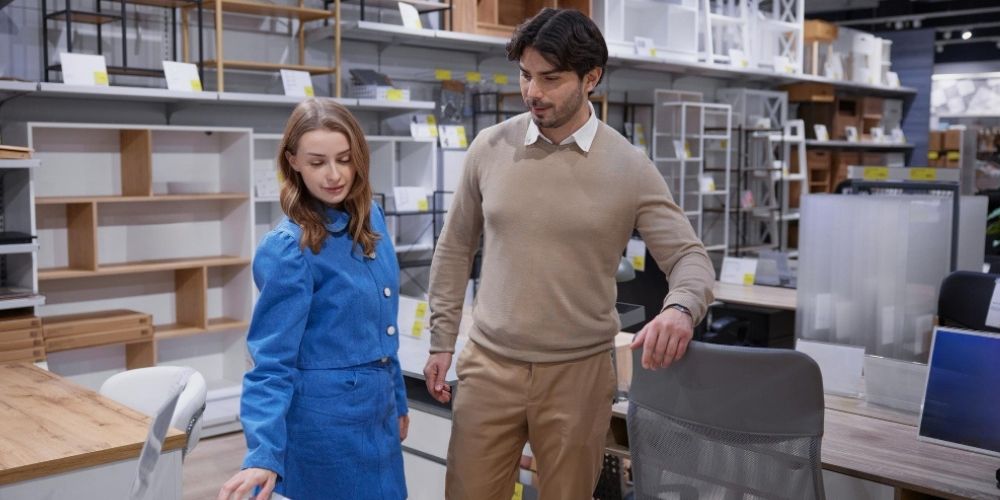
Here’s a room-by-room breakdown of the core furniture you’ll need for a complete office build-out. Use it to confirm every space is covered before you finalize selections, place orders, and schedule installation.
Reception
Workstations / Open Office
Private Offices
Conference / Meeting Rooms
Breakroom / Café
Collaboration / Lounge
Phone / Focus Areas
Storage / Copy / Mail
A successful office build-out requires coordination between designers, contractors, IT teams, and furniture suppliers. Working with a knowledgeable provider helps reduce costly mistakes, keeps timelines on track, and ensures the furniture supports how your business actually operates.
An experienced partner helps translate your headcount, workflow, and future growth into a layout that makes sense. This includes correct workstation spacing, traffic flow, collaboration zones, and compliance considerations, so you don’t end up with cramped aisles or unusable corners.
Commercial furniture is built for daily use, higher traffic, and longer life cycles. A reputable partner can source proven, warranty-backed products that hold up over time, rather than residential-grade pieces that wear out quickly in a business setting.
Furniture specs matter: sizing, clearances, finishes, power/data integration, ergonomics, acoustics, and lead times. A knowledgeable provider helps you select products that fit the space, match performance needs, and avoid mismatches that trigger delays or reorders.
A furniture partner can help prioritize spending where it matters, like ergonomic seating and high-use workstations, while finding cost-effective options in lower-impact areas. The goal is a build-out that stays on budget without sacrificing durability or functionality.
Even great furniture performs poorly if it’s installed incorrectly. Professional installation ensures systems are assembled safely, aligned properly, and set up to manufacturer standards, protecting warranties and preventing issues like wobble, instability, or damaged surfaces.
After move-in, adjustments are common: leveling, reconfigurations, replacement parts, and warranty needs. A reliable partner provides support after installation so your office stays functional as teams settle in and your needs evolve.

Office furniture lasts longer when cleaning, inspections, and basic protections are done consistently. Simple upkeep reduces wear, prevents breakdowns, and lowers replacement costs.
Use manufacturer-approved cleaners for desks, tables, and seating. Avoid harsh chemicals that can strip finishes or discolor upholstery. Regular cleaning also prevents buildup that causes premature wear.
Chairs and desks loosen over time. Periodically check bolts, screws, arms, casters, and adjustment mechanisms to prevent wobble and failure. Fixing minor issues early avoids larger repairs.
Use chair mats where needed and add felt pads to furniture legs. Match chair casters to the flooring type to reduce scratches and noise. Proper protection prevents damage to both floors and furniture.
Do not overload drawers, force adjustments, or use chairs improperly. Misuse accelerates damage and creates safety risks. Basic usage guidelines help extend product life.
Reception, breakrooms, and conference rooms wear out faster. Replace small parts like casters or glides before the furniture fails. Targeted upkeep keeps the office looking consistent.
Start by identifying each room in your office and outlining how it will be used. Then list the core functional items required for each space: work surfaces, seating, storage, and power access, before adding optional or aesthetic pieces.
A reasonable budget depends on office size, quality expectations, and long-term goals. Businesses should plan for commercial-grade durability and allocate more toward high-use items like workstations and seating, rather than treating furniture as a short-term expense.
The most common mistake is placing furniture without considering workflow and movement. Poor spacing, blocked walkways, and lack of access to power can disrupt daily operations and reduce overall efficiency.
A small office typically requires desks, ergonomic chairs, compact storage solutions, and at least one meeting surface. The focus should be on space-saving designs that maximize functionality without overcrowding the room.
Essential office furniture includes workstations, task seating, storage solutions, and at least one meeting area. These core elements support daily operations and provide the foundation for productivity in any business setting.
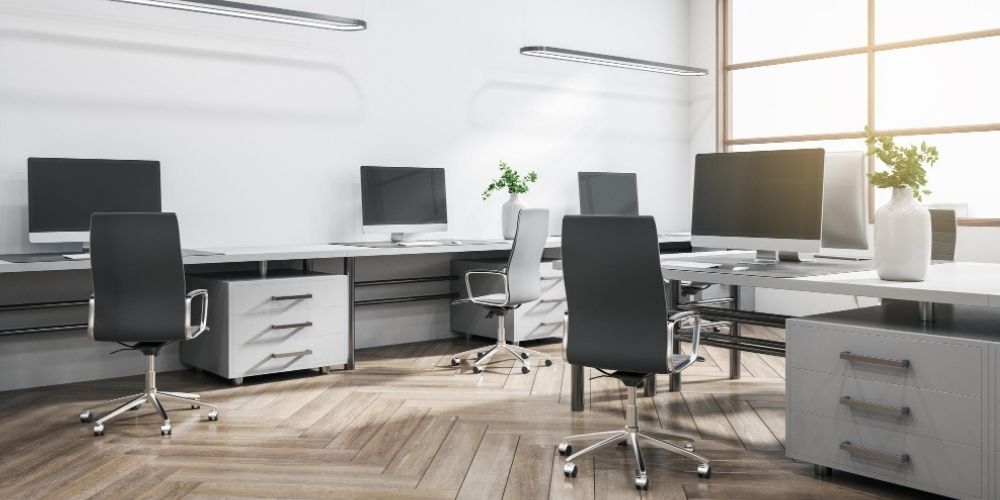
A successful office build-out requires strategic planning, commercial-grade furniture, and coordinated execution from selection through installation. Businesses in Brookfield, CT, trust Stamford Office Furniture for expert space planning, ergonomic solutions, and professional installation services.
Whether you’re opening a new office or renovating an existing space, our team delivers durable, performance-driven furniture systems designed to support long-term growth and daily productivity.