

6 Biggest Office Furniture Mistakes Businesses Make (and How to Avoid Them)

Highlights

Guide Overview

Office furniture is not décor. It is infrastructure. The desks, chairs, storage systems, and conference tables in your workspace directly influence productivity, employee health, workflow efficiency, and client perception.

Yet many businesses approach office furniture purchases reactively. They rush decisions, prioritize short-term savings, or copy layouts that don’t fit their operations. The result is wasted budget, uncomfortable employees, and costly corrections.

Here are the six biggest office furniture mistakes businesses make and how to avoid them.
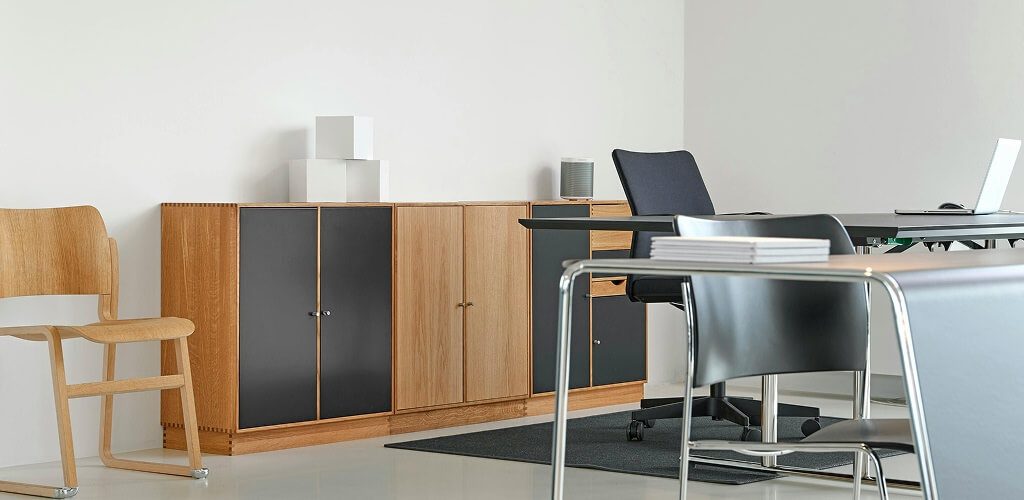
6 Common Office Furniture Mistakes and How to Fix Them

executive office furniture

1. Prioritizing Price Over Long-Term Value

Low-priced office furniture can look like a smart savings, but commercial use exposes weak materials fast. Over time, frequent repairs and replacements usually cost more than buying durable pieces upfront.

  • Short Product Lifespan: Lower-cost furniture is often manufactured with lighter materials and weaker joint construction, which leads to wobbly desks, flattened chair cushions, and broken mechanisms within just a few years of daily commercial use.
  • Limited Warranty Protection: Budget products frequently carry minimal warranty coverage, leaving businesses responsible for repair or replacement costs much sooner than expected.
  • Reduced Structural Integrity: Thin laminates, low-density particleboard, and basic hardware do not hold up under consistent eight-hour workdays, especially in high-traffic offices.
  • Higher Replacement Frequency: Replacing chairs or desks every two to three years ultimately exceeds the investment required for durable commercial-grade pieces designed to last a decade or more.
  • Compare lifespan, maintenance, and replacement timing so the “cheaper” option does not cost more later.
  • Choose commercial-grade furniture built for daily use with stronger frames and better materials.
  • Prioritize manufacturers that offer multi-year coverage on frames, mechanisms, and worksurfaces.
  • Standardize a reliable chair and workstation line so future additions match and replacements are less frequent.
    •  

2. Ignoring Ergonomic Office Furniture Requirements

Ergonomics should be a baseline requirement, not something added after complaints begin. By fitting the job to the person, ergonomics helps reduce muscle fatigue, improve productivity, and lower the number and severity of work-related musculoskeletal disorders (MSDs) when chairs, desks, and workstation setups are properly matched to the user.

  • Inadequate Lumbar Support: Chairs without adjustable lumbar support fail to stabilize the lower back, which increases fatigue and discomfort as the day goes on.
  • Fixed Desk Height Mismatch: Desks that are too high or too low force raised shoulders or bent wrists, which can contribute to repetitive strain over time.
  • Poor Monitor Height and Distance: Screens placed too low or too far away cause neck flexion and forward head posture, which increases tension and headaches.
  • Limited Adjustability Across Users: Chairs lacking seat depth, armrest adjustment, and tilt controls cannot fit different body types, which leads to pressure points and poor support.
  • Set minimum ergonomic specs for seating, including lumbar, arm, tilt, and seat depth adjustments.
  • Pair chairs with properly sized desks or adjustable-height options so arms and wrists stay neutral.
  • Standardize monitor positioning with arms or risers so screens sit at a comfortable eye level.
  • Use a quick ergonomic check during setup so each workstation is adjusted for the employee.
    •  

3. Buying Furniture Before Planning The Office Layout

When businesses buy desks first, the layout often becomes a forced puzzle instead of a functional plan. That leads to crowded walkways, inefficient zones, and wasted square footage.
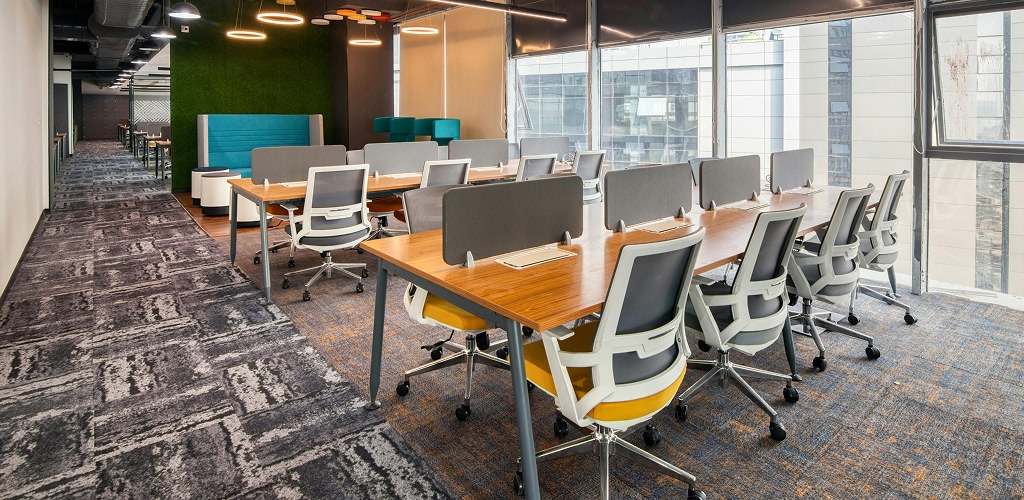
  • Restricted Traffic Flow: Poorly placed workstations and storage create bottlenecks near entrances, printers, and shared areas, which interrupt movement throughout the day.
  • Inefficient Space Utilization: Without scaled planning, some teams get cramped while other areas remain underused, even though the business pays for all of it.
  • Poor Mix of Collaboration and Focus: Office workers spend a significant share of the day collaborating (42% on average), so when meeting areas and quiet zones are not planned intentionally, collaboration noise bleeds into focus spaces, and employees lose access to the right environment for the task.
  • Clearance and Accessibility Issues: Inadequate spacing can limit chair movement, reduce safety, and create accessibility problems in tight corridors.
  • Map workflows, traffic paths, and department adjacencies before selecting furniture sizes and types.
  • Use scaled floor plans to confirm clearances for chairs, aisles, and shared equipment areas.
  • Define zones for focus work, collaboration, and private calls so the space supports real tasks.
  • Work with a provider that offers space planning, so purchases fit the first time properly.
  •  

4. Choosing Style Over Function

office multiple working table

A modern look does not help if the furniture makes daily work harder. Trend-driven choices often reduce storage, increase clutter, and create durability issues in high-use areas.

  • Insufficient Storage Capacity: Minimal desks and open shelving can leave nowhere for supplies and files, pushing clutter onto desktops and common areas.
  • Finishes That Wear Quickly: Some decorative surfaces scratch, stain, or chip easily, especially in reception areas, break rooms, and conference spaces.
  • Conference Rooms That Do Not Work: Tables that are the wrong size or shape limit seating, block movement, and leave little space for screens and power.
  • Missing Cable Management: Desks without grommets or routing quickly become cord-heavy, which looks messy and can strain equipment connections.
  • Start with functional needs like storage volume, equipment footprint, and daily workflows, then choose the look.
  • Select commercial finishes that resist scratches and clean easily without constant touch-ups.
  • Size conference tables around typical attendance, plus space for screens, power, and circulation.
  • Require built-in cable routing and power access so workstations stay organized and professional.
  •  

5. Failing To Plan For Growth And Flexibility

Offices rarely stay the same, but furniture decisions often assume they will. Rigid systems make it expensive to add seats, shift teams, or support new work styles.

  • Rigid Workstation Systems: Fixed layouts make expansions difficult without replacing components or reworking the entire floor plan.
  • Costly Reconfiguration: Non-modular furniture increases labor and downtime when departments move or collaboration needs change.
  • No Growth Buffer: Planning to the exact headcount leaves no room for hiring, forcing rushed purchases and awkward add-ons later.
  • Inconsistent Future Additions: Buying one-off pieces later can create mismatched ergonomics, uneven quality, and a fragmented look.
  • Plan for a reasonable headcount buffer so you can grow without redesigning the office.
  • Choose modular systems that can expand, reconfigure, or swap parts without full replacement.
  • Standardize a few core product lines so future purchases match in size, quality, and finish.
  • Add flexible zones that can shift between touchdown work, meetings, and collaboration.
  •  

6. Overlooking Delivery, Installation, And Logistics

Furniture projects fail when logistics are treated as an afterthought. Poor scheduling and installation mistakes can cause downtime, damage, and warranty issues.
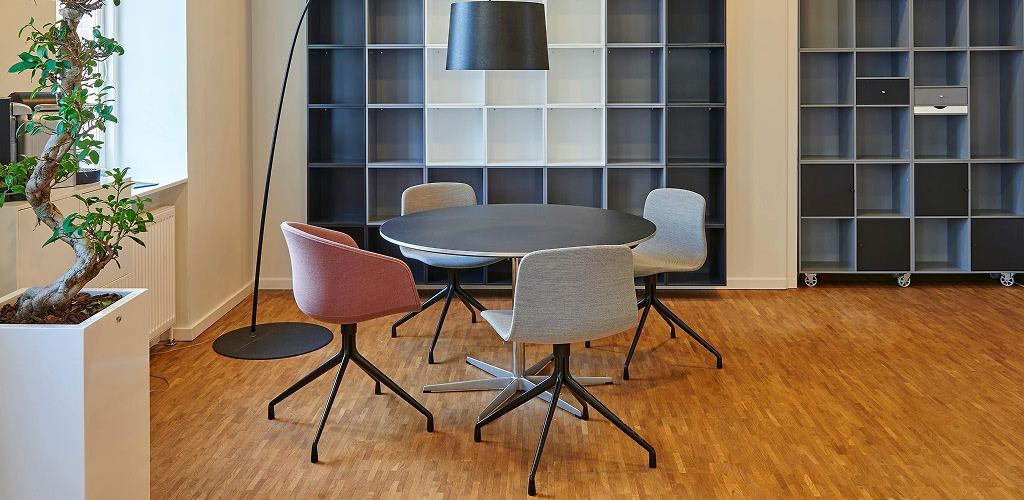
  • Assembly and Stability Problems: Incorrect assembly can shorten product life, especially for task chairs, storage systems, and adjustable components.
  • Disruption to Operations: Unplanned deliveries and installs interrupt work, block access, and create noise and clutter during business hours.
  • Building Access Surprises: Elevators, loading docks, and delivery windows can delay projects if not confirmed before the truck arrives.
  • No Plan for Old Furniture: Without removal and disposal coordination, old furniture piles up and slows the transition into the updated space.
  • Treat delivery and installation as part of the project scope, with a clear schedule and staging plan.
  • Use professional installers to protect warranties and ensure proper alignment, leveling, and setup.
  • Confirm building access details in advance so crews can work efficiently without delays.
  • Plan removal, disposal, and cleanup so the space is usable immediately after installation.
  •  

Why Local Expertise Makes A Difference

Meeting pods furniture
National retailers can be convenient, but they often miss the practical realities that affect office furniture projects in the real world. Local specialists tend to understand space constraints, building access rules, delivery timing restrictions, and the day-to-day needs of businesses in the area, which helps prevent delays and costly fit issues.

On-Site Consultations

A local team can walk the space, verify measurements, spot problem areas early, and recommend furniture sizes and configurations that match how the office is actually used, not just how it looks on a plan.

Customized Space Planning

Planning based on accurate measurements and workflow creates clearer traffic paths, better department adjacency, and properly sized workstations, which reduces overcrowding and avoids purchasing furniture that does not fit the room.

Industry-Specific Recommendations

Local providers often understand how different work environments function, whether the need is private offices, reception areas, conference-heavy spaces, or open workstations, so product recommendations align with real operational requirements.

Professional Installation

Coordinated delivery and installation reduces disruption, ensures furniture is assembled correctly, and helps the workspace become usable faster with fewer post-install adjustments.

Stamford Office Furniture supports businesses in Danbury, CT, with commercial office furniture planning, ergonomic guidance, and installation support grounded in Connecticut workplace needs and standards.

Frequently Asked Questions

Should my desk face the window or the wall?

Face the window if you can control glare and distractions. Face the wall if you need fewer visual interruptions. The right choice is the setup that keeps your screen readable and your focus steady.

Discomfort within an hour, weak lower-back support, limited adjustments, a seat that bottoms out, armrests that do not align with the desk, and employees constantly shifting or adding cushions.

Blocking movement and creating bottlenecks by placing desks, storage, or shared equipment where people need to pass through regularly.

Plan around traffic paths first, then place workstations by team workflow, keep quiet work away from noisy zones, and leave clearance for chairs, doors, and access to shared equipment.

Update when wear, workflow changes, or growth make the space less functional. Cosmetic refreshes can happen every few years, furniture changes usually happen less often, and should be driven by condition and need.

Build A More Functional Office In Danbury, CT

Stamford Office Furniture helps businesses in Danbury, CT, plan, select, and install commercial office furniture that supports productivity, ergonomics, and long-term value. From space planning and workstation selection to professional installation, every step is aligned with operational needs and growth goals. Practical solutions, durable products, and experienced guidance ensure the workspace works as hard as the team inside it. 

Contact Stamford Office Furniture to schedule a consultation and start planning a better-performing office environment today.