

Offices aren’t dying—they’re evolving.
Roughly half of knowledge workers participate in hybrid schedules, splitting time between home and office to balance collaboration and flexibility. And the shift isn’t arbitrary. A large Stanford study found that employees working from home two days a week are just as productive and just as likely to advance in their careers as full-time office workers, while hybrid schedules cut resignations by a third.
For business leaders and workplace planners in Danbury and beyond, these numbers matter because where and how work gets done directly influences space utilization, collaboration, retention, and workplace culture.
✔ Hybrid offices require flexible, reconfigurable furniture—not fixed layouts
✔ Shared workstations should prioritize ergonomics and sit-stand adjustability
✔ Collaboration zones must support both in-person and remote participants
✔ Acoustic control is critical in open, hybrid environments
✔ Durable, commercial-grade furniture ensures long-term value
Hybrid work demands purposeful workspace design, and furniture is essential, as is technology and policy. The right pieces support productivity, aid employee wellness, and make in-office time worthwhile. The wrong ones leave rooms underutilized, collaboration awkward, and people frustrated.

Before selecting furniture, you need clarity on how your office is being used. Hybrid work models vary widely, and furniture decisions should be driven by behavior, not assumptions.
Key questions to answer:
A hybrid office typically supports three primary modes of work:
Furniture must support all three without letting one dominate the entire space.
Fixed cubicles designed for daily use by one person are often inefficient in hybrid environments. Modular benching systems or shared workstations allow multiple employees to use the same space on different days.
Look for:
Mobile tables, chairs, and storage units make it easy to reconfigure rooms quickly. This is especially useful for:
Even if employees are only in the office two or three days a week, ergonomics cannot be compromised. Poor seating leads to discomfort, fatigue, and reduced productivity.
Choose chairs with:
Ergonomics should be standardized across shared workstations to ensure every employee has a consistent experience.
Height-adjustable desks are especially valuable in shared environments. They allow different users to quickly adjust the desk to their preferences without reconfiguration.
Sit-stand desks also:
Not every meeting needs a conference room. Lounge-style seating, soft seating clusters, and café-height tables encourage spontaneous conversations and quick check-ins.
Effective features include:
Conference rooms and team rooms still matter, especially for hybrid meetings. Furniture choices here directly affect communication quality.
Prioritize:
Avoid oversized tables that waste space when only half the team is present.
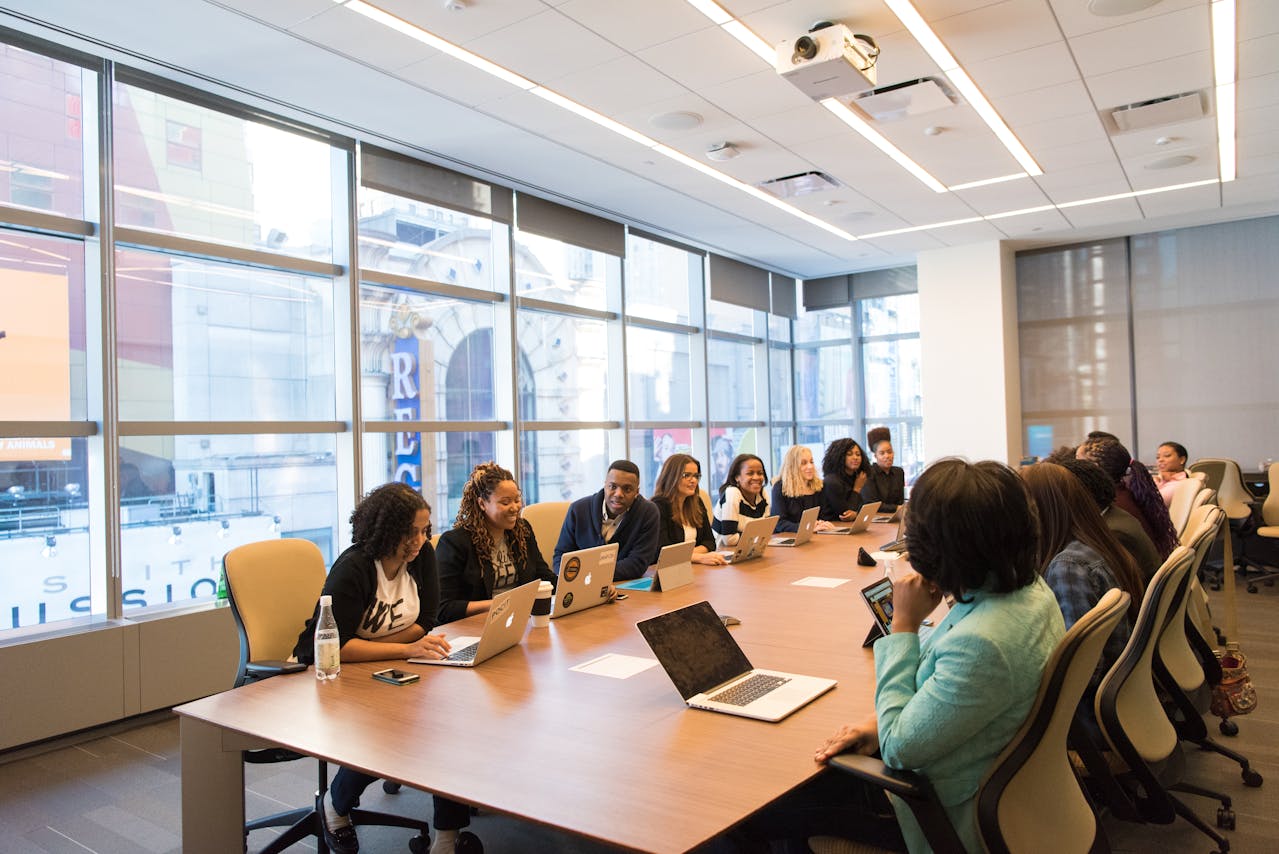
Tables should accommodate:
Round or boat-shaped tables often work better for hybrid meetings by improving sightlines and voice pickup.
Low-backed chairs and uncluttered table surfaces help maintain clear video views. Avoid high partitions or bulky furniture that obstructs cameras. Furniture should enhance communication—not interfere with it.
Furniture can play a major role in sound management without requiring structural changes.
Consider:
Use furniture placement to create distinct zones:
This approach reduces distractions while preserving openness.
Instead of individual pedestals at every desk, consider:
This keeps workstations clean and flexible while still giving employees a place to store essentials.
Providing secure lockers helps employees feel comfortable leaving personal items at the office, even if they’re not there every day.
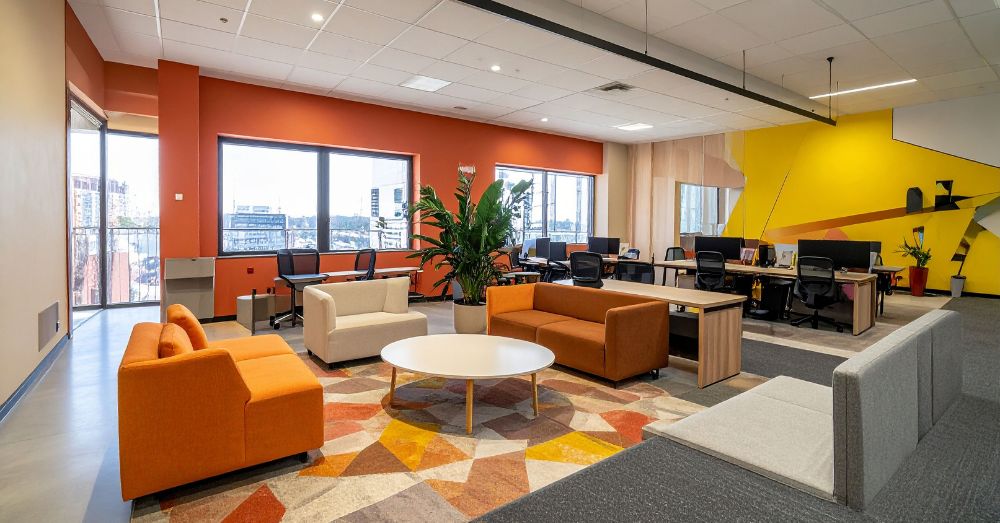
Commercial-grade furniture:
Look for materials that are easy to clean and finishes that resist scratches and stains.
Designing a hybrid workspace comes with pitfalls. Avoid these common errors:
Furniture decisions should support long-term adaptability, not just current headcount.
Hybrid work will continue to evolve. Furniture choices should allow your office to change without major disruption.
Ask vendors and planners:
The best hybrid offices are designed for iteration, not permanence.
A hybrid workspace is an office designed to support employees who split their time between working remotely and working on-site. It prioritizes flexible seating, shared workstations, collaboration zones, and technology-ready furniture rather than assigned desks for every employee.
The best furniture for hybrid offices is modular, mobile, and ergonomic. This includes shared benching systems, sit-stand desks, ergonomic task chairs, mobile tables, and flexible collaboration furniture that can be reconfigured as needs change.
Most hybrid offices need fewer desks than total employees. A common approach is desk-sharing based on average daily occupancy, supported by reservation systems and standardized ergonomic setups to ensure consistency for all users.
Hybrid collaboration spaces should support both in-person and remote participants. Furniture should allow clear sightlines to screens, integrated power access, comfortable seating, and layouts that work for small group meetings as well as larger discussions.
Yes. Even if employees are in the office fewer days per week, ergonomic furniture is essential for preventing discomfort, reducing fatigue, and maintaining productivity during focused work sessions.
Designing a hybrid workspace isn’t about copying trends or shrinking your office footprint. It’s about aligning furniture choices with how people work today—and how they’ll work tomorrow. When flexibility, ergonomics, collaboration, and durability are prioritized, the office becomes a tool that supports productivity instead of fighting it.
For organizations in and around Danbury looking to create a functional, future-ready hybrid office, Stamford Office Furniture brings the experience and industry knowledge needed to translate these principles into a workspace that works in practice—not just on paper.