
Hybrid work is no longer an experiment. For many organizations, it is now the default operating model. Employees split time between home and office, teams collaborate across locations, and the physical workplace must justify its existence by offering what remote work cannot: connection, focus, and flexibility.
Furnishing a hybrid office is not about filling space with desks. It is about designing an environment that supports productivity regardless of where employees work on a given day. That requires planning, adaptable furniture, and a clear understanding of how people actually use the office.
This guide breaks down how to furnish a hybrid office that works—for leadership, for in-office employees, and for remote team members dialing in from elsewhere.
✔ Hybrid offices should be designed around how employees actually use the space, not traditional desk counts
✔ Flexible and modular furniture allows offices to adapt to changing schedules and team structures
✔ Zoning the office into focus, collaboration, and informal areas improves productivity and comfort
✔ Ergonomics and technology integration are essential in shared and hybrid work environments
✔ The most effective hybrid offices balance density, comfort, and long-term adaptability
Before selecting a single piece of furniture, you need clarity on office utilization and attendance patterns. Research from CBRE shows that hybrid office usage fluctuates significantly by role, team, and day of the week, making traditional planning models unreliable for today’s workplaces. Hybrid offices fail when they are designed around assumptions instead of real behavior.
Start by answering these questions:
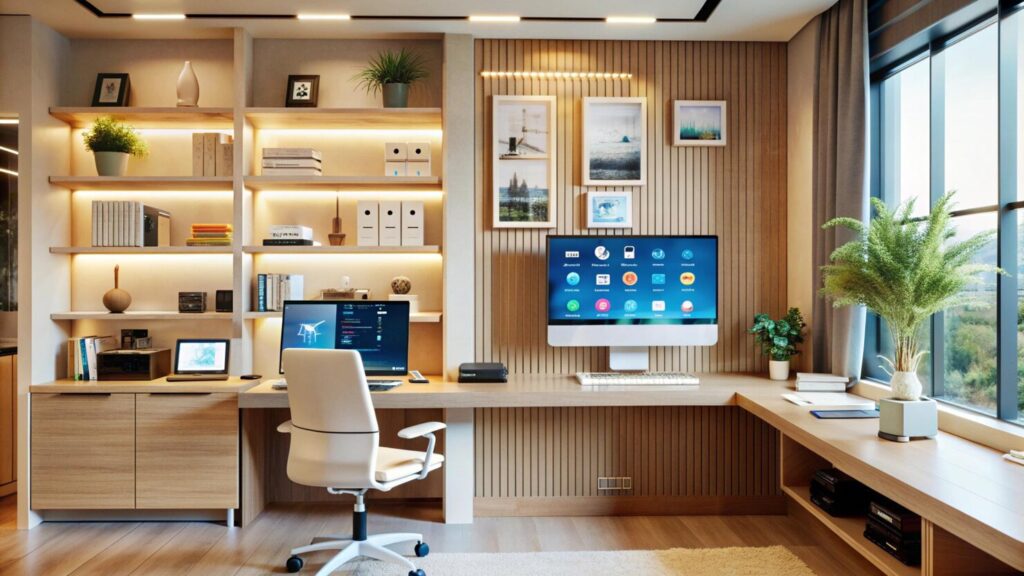
Many hybrid offices no longer need assigned seating for every employee. According to NAIOP research on the future of office space, organizations are increasingly shifting away from one-desk-per-employee models in favor of shared workstations, collaboration zones, and quiet focus areas that better reflect how offices are actually used.
Understanding this balance allows you to invest in furniture that supports real-world needs rather than outdated office models.
In a hybrid environment, flexibility is non-negotiable. Furniture should adapt as teams, schedules, and workflows evolve.
Traditional cubicles lock you into a fixed layout. Modular workstations allow you to reconfigure layouts as headcount fluctuates or teams reorganize.
Look for systems that:
This approach reduces long-term costs and prevents the office from becoming obsolete within a few years.
Mobile tables, whiteboards, and storage units support quick transitions between individual work and group collaboration. When employees come into the office specifically to work together, the space should adjust to them—not the other way around.
A successful hybrid office is zoned, not uniform. Each area should have a clear purpose that aligns with how employees work.
Even in collaborative offices, employees need quiet spaces. Open-plan offices without focus areas often drive people back home.
Furnish focus zones with:
These areas should signal that quiet, heads-down work is expected and respected.
Hybrid collaboration is more complex than in-person meetings alone. Furniture must support both physical and virtual participants equally.
Key considerations include:
Avoid oversized boardroom tables that prioritize presence over participation. Smaller, flexible collaboration tables often perform better in hybrid settings.
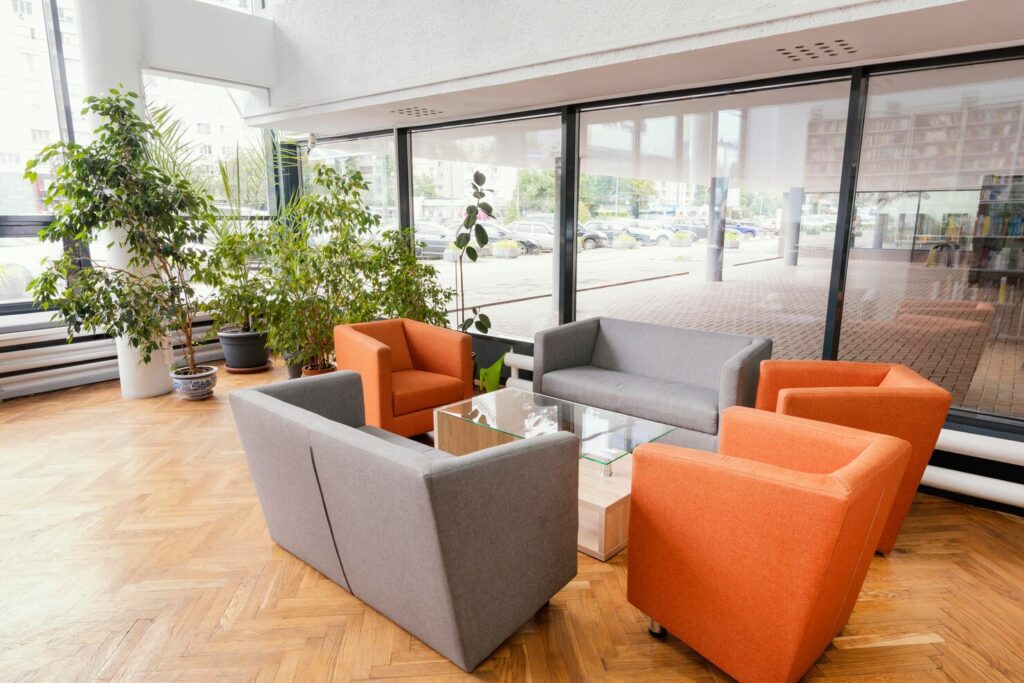
Not every conversation belongs in a conference room. Soft seating areas with lounge chairs, small tables, and movable ottomans encourage spontaneous interaction without disrupting others.
These spaces are especially valuable in hybrid offices because they recreate the informal interactions that remote work often lacks.

Hot desking is common in hybrid offices, but poorly executed hot desking creates frustration and inefficiency.
Employees should know what to expect at any workstation they use. That means:
When every workstation feels different, employees waste time adjusting instead of working.
Without assigned desks, employees still need secure storage. Provide:
This prevents clutter and helps employees transition smoothly between home and office.
Ergonomics is not a perk. It is a baseline requirement. Hybrid offices must support employee health regardless of how often they are on-site.
Every employee has different physical needs. Furnish the office with:
This is especially important in shared environments where furniture must accommodate multiple users.
Do not overlook ergonomics in collaboration and lounge areas. Poor seating in meeting rooms can lead to discomfort during long hybrid calls, reducing engagement and productivity.
Hybrid work lives at the intersection of physical space and digital connection. Furniture must support that reality.
Employees expect seamless connectivity. Furniture should provide:
Retrofitting power after installation is costly and disruptive. Plan for it upfront.
Hybrid meetings fail when remote participants feel like observers instead of contributors. Furniture placement plays a role.
Ensure that:
The goal is to create parity between in-room and remote participants.
Hybrid offices often reduce overall square footage, but density must be managed carefully. Overcrowded spaces discourage employees from coming in at all.
Resist the urge to fill every square foot. Leave room for movement, reconfiguration, and growth. Open circulation improves comfort and reduces visual noise.
Even if the office is half-full most days, plan furniture layouts for peak attendance. Overflow seating, flexible collaboration areas, and shared spaces can absorb these fluctuations without chaos.
The physical office should reinforce company culture, but culture is expressed through function as much as aesthetics.
Choose furniture that aligns with how your organization works:
Avoid prioritizing style over usability. In a hybrid office, uncomfortable or impractical furniture will simply push employees back to remote work.
Hybrid work will continue to evolve. Furniture decisions should anticipate that reality.
Invest in furniture that can:
Short-term savings on low-quality furniture often lead to higher replacement costs and disruption.
Hybrid offices require a different approach than traditional workplace design. Furniture selection, layout planning, and ergonomics must work together.
A hybrid office needs flexible workstations, ergonomic seating, collaborative tables, reliable storage, and furniture that supports video conferencing. The goal is to accommodate fluctuating attendance while supporting both focused and collaborative work.
Shared desks should be standardized with adjustable chairs, consistent desk sizes, docking stations, and built-in power. Providing lockers or personal storage reduces friction and keeps hot desking efficient.
Zoned layouts work best. This includes quiet focus areas, collaboration spaces, informal meeting zones, and technology-enabled conference rooms. Each zone should serve a clear purpose rather than using a one-size-fits-all layout.
Furniture should be arranged to support clear sightlines to screens, proper camera angles, and good acoustics. Tables, seating, and spacing must allow remote participants to be equally visible and heard.
Yes. Hybrid offices rely on shared workstations, which makes adjustability critical. Ergonomic chairs, sit-stand desks, and monitor arms help accommodate different users and reduce discomfort and injury risk.
Furnishing a hybrid office is about more than adapting to a trend—it is about creating a workplace that earns employee participation, supports productivity, and evolves with your organization. Thoughtful zoning, flexible furniture, ergonomic support, and technology integration all play a role in making the office a place people choose to work, not feel obligated to visit.
For organizations in and around Brookfield, CT, looking to create a hybrid workspace that truly functions, Stamford Office Furniture brings the experience and industry knowledge needed to translate hybrid work strategies into practical, effective office environments.